
Platform
Inside the dashboard: one workspace for managed outreach
The product brings publisher sourcing, placement sign-off, delivery tracking and reporting into a single workspace so your team keeps control without running outreach in email threads.

Why teams want visibility before they outsource execution
Most SEO programs fail quietly when publisher lists live in spreadsheets, approvals happen over email and nobody can answer what went live last month without opening three tools. The dashboard exists so strategy stays with your team while managed outreach runs on a record you can audit. You set page priorities and guardrails; operators handle negotiation, content adaptation and publish follow-through on the other side of the same interface.
That split matters for in-house SEO teams who need headcount relief without giving up veto power, and for agencies who need isolated client workspaces with unbranded exports. Whether you run one brand or eight, the workflow is the same: browse inventory, approve placements, watch orders move and read reporting beside the approval trail. Nothing publishes until you sign off, and rejected proposals do not consume delivery credits.
What you see when you log in
The home view surfaces orders awaiting your input, recently verified live links and credit usage against your active pack. Navigation groups the six areas below so new stakeholders can orient quickly without a training deck. Each section maps to a step in how delivery works end to end—from shortlisting publishers through measurement—so product tours during a demo follow the same path you will use after onboarding.
Role-based permissions control who can approve placements, edit blocklists or export reports. SEO leads typically retain approval authority while content or brand reviewers comment without admin access to unrelated workspaces. Agencies mirror that pattern per client: operators see portfolio tools; client contacts see only the approval queue you expose. Audit history attaches to every decision so finance and leadership can reconcile spend against outcomes without chasing account managers.
From sample rows to full inventory
Before onboarding, the sample inventory page shows anonymised publisher rows so you can judge category spread and authority bands. Full site-level detail, credit costs and live availability appear inside the dashboard after scoping. That progression lets procurement and SEO evaluate fit together before credits commit, while keeping sensitive publisher relationships off public pages.
Saved filters notify your team when fresh inventory matches an active brief, and domain blocklists persist across campaigns so off-brief publishers never re-enter proposals. Quality standards documentation explains each screening gate in plain language, which helps security and legal reviewers during vendor assessments without requiring a live walkthrough on day one.
Six areas that cover the full delivery loop
Marketplace browsing, placement approvals, order tracking, reporting, integrations and publisher quality standards are intentionally separate views rather than one overloaded screen. Separation keeps daily work fast—approvers live in the queue, operators live on the board, leadership lives in exports—while shared order records tie the views together. Explore each area below or book a demo to walk them on representative data.
Platform features
Each module below has a dedicated page with workflow detail, dashboard screenshots and FAQs.
Publisher marketplace
Filter vetted publisher inventory by niche, geo, authority and placement type before anything enters outreach.

Placement approvals
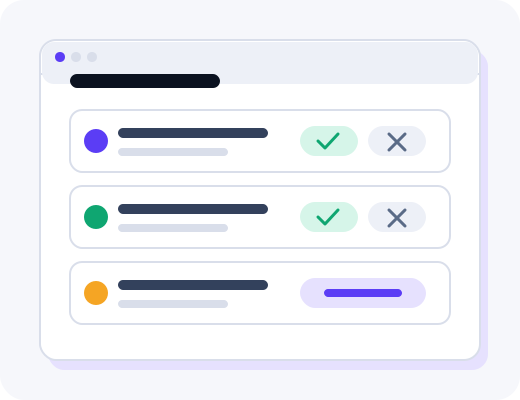
Review target URLs, anchors and publisher context in a queue where nothing moves until you accept.
Order tracking
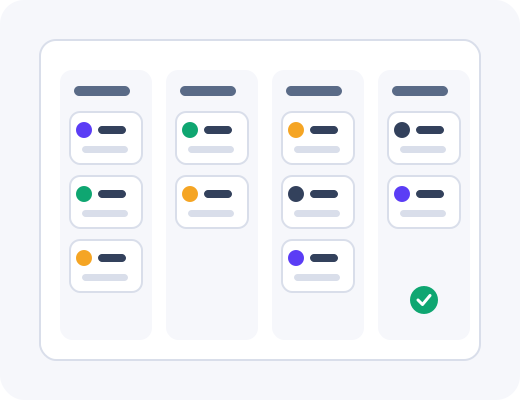
Follow each brief from outreach through content, publish and live verification on one shared board.
Reporting
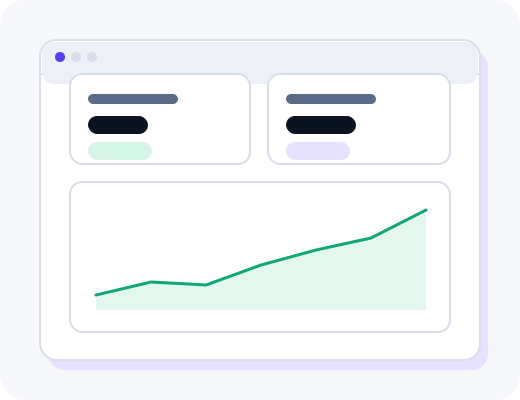
Log live URLs, anchors and indexation beside optional analytics signals for monthly reviews.
Integrations
Connect Search Console, analytics and export workflows so delivery data stays in your stack.

Quality standards
Understand how publishers are screened before they appear in inventory and how sites are re-checked.

Walk inside the dashboard on a live demo
See the publisher marketplace, approval queue and reporting views with an operator who runs real campaigns.